
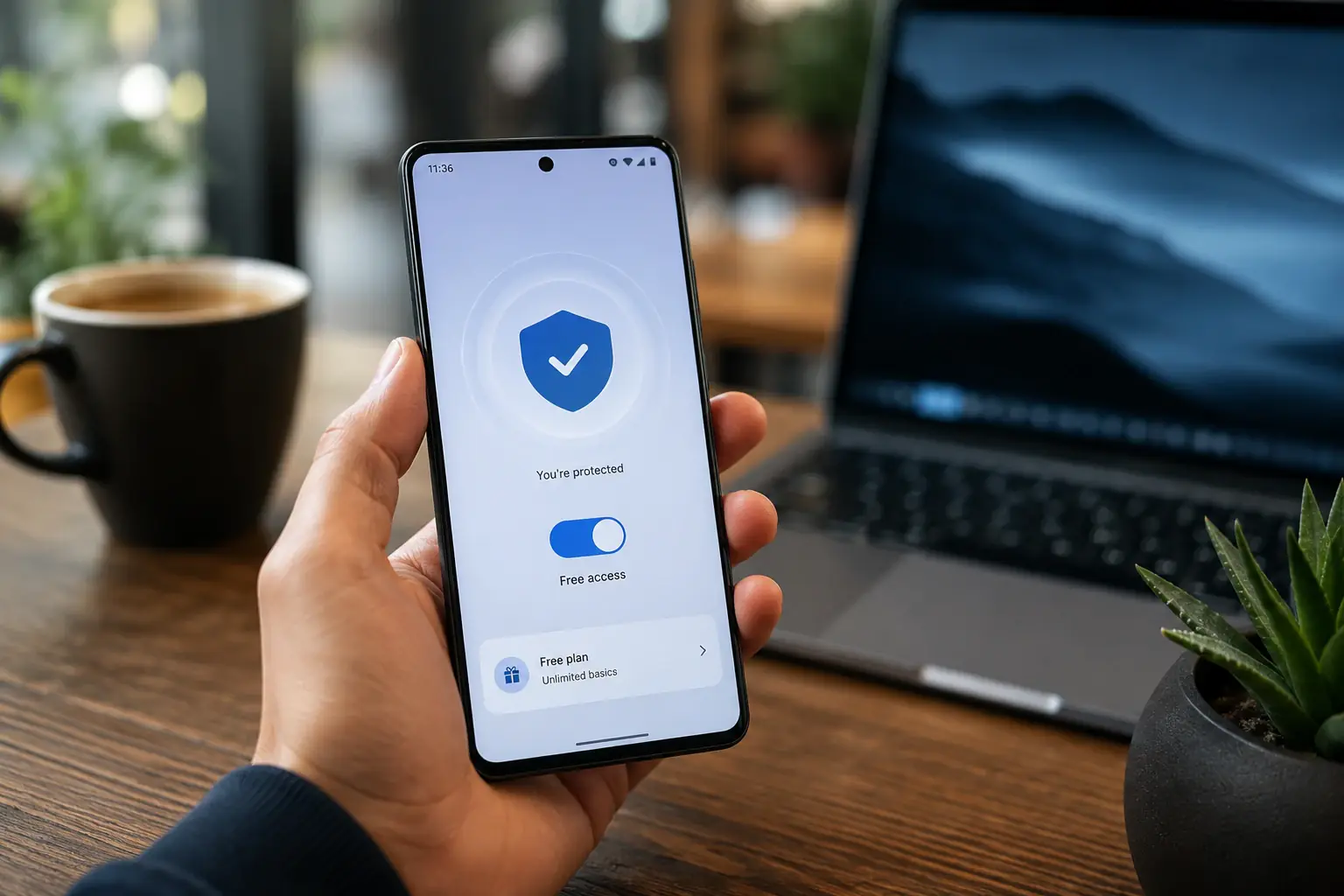
Free VPN by Pivot VPN: Honest Protection Without a Credit Card
When you type “free VPN” into a search bar, what you usually want is simple. A connection that hides your IP, encrypts your traffic on public Wi-Fi, lets you reach the sites you need, and does not ask for a credit card to do it. You do not want a trial that turns into a charge in seven days. You do not want a 500 MB monthly cap that runs out before lunch. You do not want a “free” app that sells your browsing history to pay its bills.
Pivot VPN is built to match what you actually meant. The free plan is a real free plan. It runs on your phone, your laptop, your desktop and your TV. The same login works everywhere. You install it, tap connect, and you are protected. No card on file. No countdown to a forced upgrade. No quiet data harvesting.
This page explains exactly what a free VPN should give you, what Pivot VPN delivers in each scenario, and where the honest limits are so you can decide if the free tier is enough for you or if a paid plan makes more sense.
What people actually want from a free VPN
The phrase “free VPN” hides several different needs. Some users want a quick shield for one coffee shop session. Some want a permanent layer of privacy on a personal laptop. Some want to open a site that is blocked at school or at the office. Some want to keep a streaming app working while travelling. And almost everyone wants the price to be zero.
A genuine free VPN has to handle the basics without nagging:
- Encrypt the connection between your device and the internet so nobody on the same Wi-Fi can read it.
- Replace your real IP address with one from a different location so trackers and websites cannot tie traffic back to you directly.
- Work on the device you actually use, not just one platform.
- Stay out of your data. A privacy tool that logs what you do is not a privacy tool.
Pivot VPN was designed around exactly these four points, then made free for the people who only need the basics and paid only for those who want more locations, more speed and more bandwidth.
How Pivot VPN delivers a free VPN across every device
One Pivot VPN account works on Android, iOS, Windows, macOS, Linux and Android TV. You do not pay a separate fee per platform and you do not lose the free tier when you switch from your phone to your laptop. The same email, the same one-tap interface, the same encryption.
On your phone, Pivot VPN runs quietly in the background. You see a small key icon in the status bar and that is it. Battery impact is minimal because the app uses modern protocols that idle when traffic is low.
On a laptop running Windows, macOS or Linux, the app sits in the menu bar or system tray. Click, choose a free location, you are online through an encrypted tunnel.
On Android TV, the same app installs from the store. One connect button, big enough to hit with a remote. Useful when your home network is shared with roommates or when you travel with a streaming stick.
The free plan uses a curated set of servers. Speeds are honest, not throttled to uselessness, and the connection is the same AES-grade encryption the paid plan uses. The difference between free and paid is location count, total monthly throughput and access to specialised servers, not the strength of your privacy.
Key features in plain language
Pivot VPN ships several features that matter in the context of a free VPN, because a free user has the most to lose if a tool misbehaves.
No-logs policy. Pivot VPN does not record which sites you visit, which apps you open or when you connect. Even on the free tier. A VPN provider that quietly stores your DNS queries is no better than the ISP you were trying to hide from.
Kill switch. If the VPN tunnel drops, the app blocks all traffic until the tunnel is back. So your real IP does not leak during a reconnect on flaky cafe Wi-Fi. The kill switch is available across desktop and mobile.
WireGuard-based protocol. Modern, fast, low overhead. It is what makes a free connection still feel like a normal connection rather than a 1990s dial-up.
Split tunneling on desktop and Android. Pick which apps go through the VPN and which stay on your normal connection. Useful when your banking app refuses to load from a foreign IP but you still want your browser tunnelled.
Auto-connect on untrusted Wi-Fi. Your phone and laptop can detect a new network and bring the VPN up automatically before the first packet leaves the device.
One account, every platform. The biggest trap with free VPNs is needing a different sketchy app per device. Pivot VPN is one identity, one app family, one privacy policy.
Common mistakes when picking a free VPN
A few patterns turn the search for a free VPN into a bad afternoon. Worth naming them so you can avoid them.
Trusting the word “free” without reading the limits. Many products labelled free are actually seven-day trials with a card required. Pivot VPN does not ask for a card to start the free tier.
Installing browser-only extensions and calling it a VPN. A browser extension that swaps your IP for the browser tab does not encrypt traffic from other apps. Pivot VPN is a full-device VPN on phone, desktop and TV.
Ignoring the privacy policy. Some free apps fund themselves by selling aggregated browsing data. Pivot VPN has a no-logs commitment in plain language, not a maze of legal exceptions.
Picking the closest server every time. Sometimes the closest free server is overloaded. The Pivot VPN app shows current load so you can switch to a less crowded option in the same region.
Expecting a free tier to do everything. A free VPN is great for daily privacy and basic unblocking. It is not the right tool for heavy 4K streaming on three devices at once. That is what the paid plan exists for.
Real expectations: what the free tier covers
Honesty matters here, because over-promising is exactly the trick the bad free VPNs use.
The free Pivot VPN tier is suitable for:
- Daily browsing privacy on phone and laptop.
- Safe Wi-Fi at airports, cafes, hotels and conferences.
- Reaching commonly blocked sites such as news outlets or social networks where regional filters apply.
- Hiding your IP from advertisers and trackers across apps and browsers.
- Light streaming and casual use on Android TV.
The free tier is not designed for:
- Running torrents at full line speed all day.
- Streaming UHD content for hours through a distant server.
- Hosting servers or relaying business-critical traffic.
If those are your needs, the paid plan exists, but you do not need to take that step to start. The free tier is a full product, not a teaser.
Step by step: getting a free VPN running with Pivot VPN
- Open the store on the device you want to protect. Android, iOS, Windows, macOS, Linux and Android TV all have a native Pivot VPN app.
- Install the app. Size is small, install is fast.
- Open the app and create an account with an email address. No card, no phone number.
- Tap or click Connect. The app picks the best free server automatically.
- Check the status bar. Once you see the key icon or the green indicator in the app, your traffic is going through the encrypted tunnel.
- Optional: turn on auto-connect for unknown Wi-Fi, enable the kill switch, and pick a different free location if you want.
The same login then works on every other device you install Pivot VPN on. Sign in, connect, done.
When the free tier is enough and when to upgrade
The free VPN tier is enough if you mainly want a privacy layer for everyday browsing and a safety net for public networks. If your goal is simply “do not let strangers read my traffic, do not let advertisers follow me, do not show my real IP to random websites”, the free plan covers it on every device you own.
The paid plan is worth considering once you start hitting one of these:
- You want a server in a specific country that is not in the free list.
- You stream a lot and want consistent high throughput.
- You run multiple devices at once on heavy use and want priority access.
- You want extra features such as specialised servers for higher anonymity.
Either way, you are using the same app, the same protocols, the same no-logs policy. Upgrading is a quality-of-service change, not a switch to a different product.
A free VPN should leave you in a better position than you were without it. Pivot VPN, on the free tier, does exactly that across your phone, your laptop and your TV, with no card on file and no quiet trade of your data for the price tag.
Frequently asked questions
Is Pivot VPN really free, or is it a trial that charges later? +
The free plan is a permanent free tier, not a trial. You do not enter a card to start, and there is no countdown to a forced upgrade. The paid plan exists separately for users who want more locations and higher throughput, but the free tier stays free for as long as you use it on phone, laptop or TV.
What do I need to start using the free VPN? +
An email address and the Pivot VPN app on the device you want to protect. The app is available on Android, iOS, Windows, macOS, Linux and Android TV. No phone number, no card, no identity check. Install, sign in, tap Connect.
Will a free VPN slow my internet down? +
Some slowdown is normal with any VPN because traffic is encrypted and routed through a server. Pivot VPN uses a modern WireGuard-based protocol that keeps the overhead low, so the free tier still feels like a normal connection for browsing, messaging and standard-definition streaming on phone or laptop.
Is the free tier safe, or are you selling my data? +
Pivot VPN follows a no-logs policy on every plan, including the free one. Browsing history, DNS queries and connection timestamps are not recorded or sold. The free tier is funded by users who upgrade to the paid plan, not by trading user data.
Why pick Pivot VPN for a free VPN instead of another option? +
Three reasons. The free tier is genuinely free with no card required. One account works across Android, iOS, Windows, macOS, Linux and Android TV, so you are not juggling apps. And the core features that matter for privacy, such as the kill switch and no-logs policy, are the same on the free plan as on the paid plan.
How do I start in under a minute? +
Open the store on the device you use, install Pivot VPN, create an account with an email, and tap Connect. The app picks a free server automatically. The same login then works on every other device you install it on, with no extra setup.
Get Pivot VPN — free for 7 days
No credit card upfront. Cancel anytime.
Try Pivot VPN