
Pivot VPN for YouTube — private, stable, every device
YouTube is the second-largest search engine on the planet and the single biggest video library most people will ever touch. It is also one of the most actively monitored services on the internet — by ISPs, by network administrators on hotel and campus Wi-Fi, by regional regulators, and by advertisers building profiles around every video you tap. Pivot VPN sits between you and all of that. It encrypts the connection your YouTube app or browser uses, hides your real IP address, and lets you keep watching, learning and uploading the way the platform was meant to be used.
This page is about exactly how Pivot VPN works with YouTube — on your phone in the metro, on your laptop in a coffee shop, on your living-room TV, on a Linux workstation at the office — and what to expect once you switch it on.
Why a VPN matters for YouTube in the first place
YouTube traffic is not anonymous by default. Your ISP sees that you are connecting to Google’s video servers, often sees how long you stay, and can throttle the connection if it decides video is “too expensive” to deliver at peak hours. Network owners on public Wi-Fi see the same metadata, plus your device identifiers, plus anything else you do in the same session — including the credentials you use to sign in.
There are three honest reasons to put a VPN in front of YouTube:
- Privacy from the network. Encryption hides which videos, channels and search queries leave your device. Your ISP and the café router only see one encrypted tunnel to a Pivot VPN server.
- Access where YouTube is blocked or filtered. In some regions YouTube is fully blocked, partially throttled, or wrapped in DNS-level filtering by the carrier. A VPN tunnel routes around that filter.
- Account safety on hostile networks. Hotel, airport and conference Wi-Fi are the classic place where credentials leak. If you sign into your Google account there without a VPN, you are trusting every device on that LAN. With Pivot VPN, the only thing that LAN sees is encrypted noise.
Notice what is not on that list: “watching every regional library.” A VPN can change the IP your request comes from, but YouTube’s content rights are tied to many signals, and we will be straight about that further down.
How Pivot VPN solves it on every device you own
One Pivot VPN subscription covers Android, iOS, Windows, macOS, Linux and Android TV. The apps are different binaries because the operating systems are different, but the network behaviour is the same: a single encrypted tunnel from your device to a Pivot VPN server, with no DNS leaks and no logs of what you watched.
- Phone (Android, iOS). Tap the country, tap connect, open YouTube. The mobile apps integrate with the system VPN profile so YouTube, YouTube Music and YouTube Kids all ride the same tunnel automatically.
- Laptop and desktop (Windows, macOS, Linux). The desktop client adds a system-wide tunnel so the browser, the YouTube desktop app on Windows, and any background uploader you use are all protected at once.
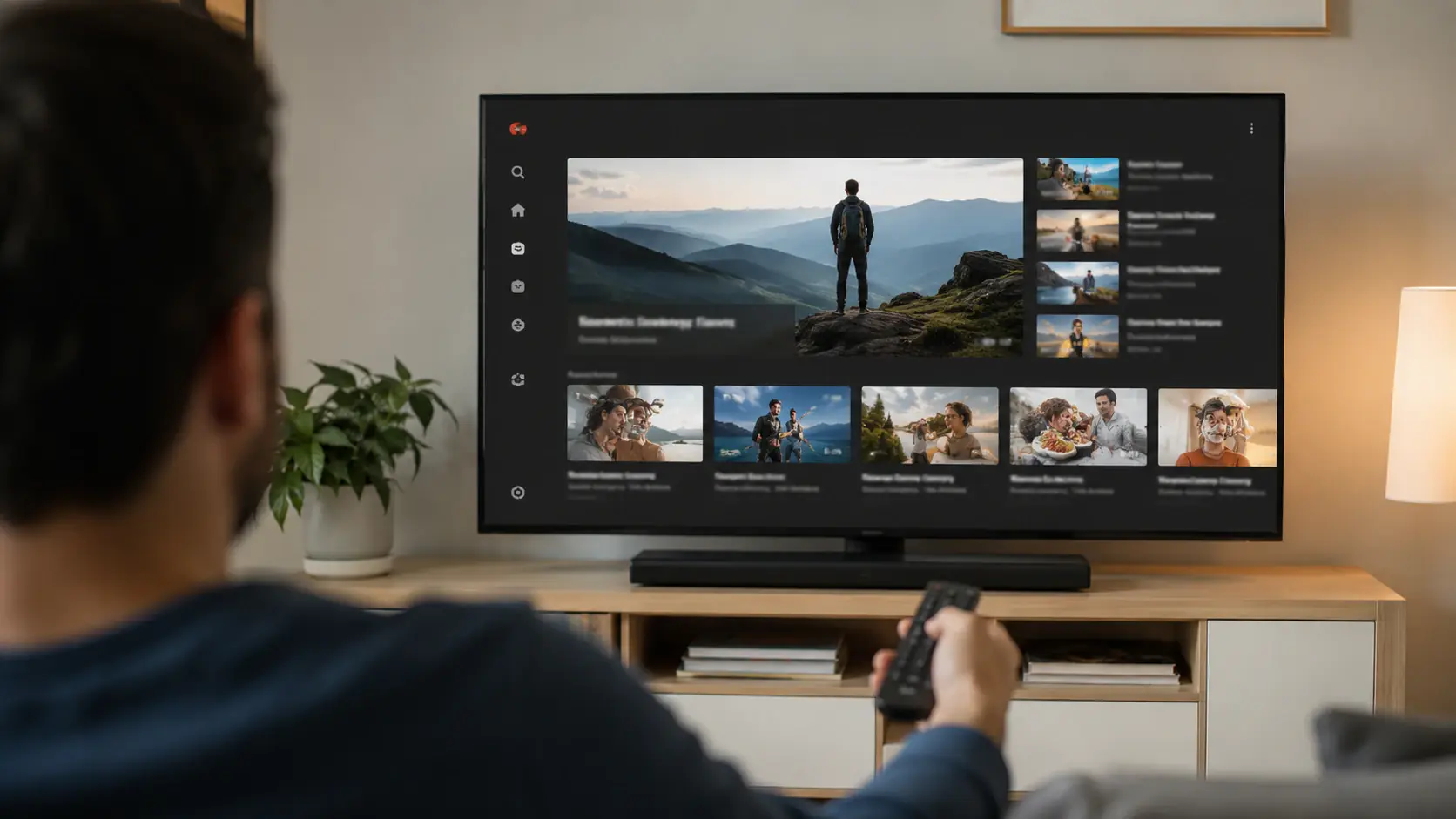
- TV (Android TV). This is the one a lot of services forget. Pivot VPN ships a real Android TV build with a remote-friendly UI — large buttons, server search, no fiddly text fields. You connect once, then YouTube on the TV runs through the tunnel like everything else.
Same account, same servers, same speed profile. You can be connected on the laptop and the TV at the same time without juggling logins.
Step-by-step: getting YouTube running through Pivot VPN
The flow below is identical in spirit on every platform; only the install step changes.
- Install Pivot VPN from the store that matches your device (Google Play, App Store, our direct download for Windows/macOS/Linux, the Android TV store for the living room).
- Sign in once. The same credentials unlock all your devices on the plan.
- Pick a server. If you only want privacy, pick the closest country — latency is lowest there. If YouTube is blocked on your network or you need a specific regional feel, pick a country where the service is fully available.
- Connect. A small key or shield icon appears in your status bar. That is your signal that traffic is encrypted.
- Open YouTube. App or browser, it does not matter. Both ride the tunnel.
- Optional: enable auto-connect. On phones and laptops Pivot VPN can launch the tunnel automatically whenever you join an untrusted Wi-Fi network, so you never sign into YouTube unprotected by accident.
If something feels off — buffering, lower resolution than usual — switch to a different server in the same country, or to a neighbouring country. Server load matters more than distance once you are inside a healthy region.
What to expect in speed and quality
YouTube is one of the most aggressively optimised services in the world. Google has caching servers inside most large ISPs, which is why a “naked” connection feels instant. When you add a VPN, your traffic takes a slightly longer path: device → Pivot VPN server → Google → back. The honest expectation:
- 1080p on any reasonable home or mobile connection. This is the baseline. If you cannot hit 1080p smoothly through Pivot VPN, the bottleneck is almost always your local link, not the tunnel.
- 4K on fast fibre and 5G. Possible and common, especially on nearby servers using our modern protocols.
- A small latency cost. For passive watching this is invisible. For live chat during a stream you might notice a fraction of a second.
- Stable bitrate. Because your ISP can no longer single out YouTube traffic for throttling, the bitrate is often more stable through Pivot VPN on networks that shape video, not less.
If you upload to YouTube, the tunnel works the same way in reverse. Large uploads benefit from picking a server geographically close to you and leaving the app open in the background until the transfer finishes.
Privacy considerations specific to YouTube
A VPN handles the network layer. It does not handle the account layer, and being clear about that is more useful than marketing.
- Signed out, in a private window, on a VPN: YouTube sees a request from a Pivot VPN IP and a fresh browser fingerprint. Recommendations are generic, ads are generic, history is not saved.
- Signed into your Google account, on a VPN: YouTube still knows it is you. Watch history, subscriptions and recommendations all continue to work normally. The VPN protects the network — the ISP and the local Wi-Fi no longer see what you watch — but Google itself does.
This is usually what people actually want. They want their carrier and the airport router to stop profiling them, while keeping their own subscriptions and “Watch Later” intact. Pivot VPN delivers that combination cleanly.
On the logging side: Pivot VPN does not keep records of which sites or videos you open. The tunnel is encrypted, DNS requests are resolved inside the tunnel so your ISP cannot see them, and there is a kill switch on every desktop and mobile build that cuts traffic if the VPN connection ever drops, so YouTube never silently falls back to your raw IP.
What a VPN can and cannot do for a YouTube account
Worth saying plainly, because it saves frustration later.
A VPN can:
- Hide the videos, searches and channels you visit from your ISP and local network.
- Get YouTube loading again on a network where it is blocked at the DNS or IP level.
- Stop credential sniffing on public Wi-Fi when you sign in.
- Give you a stable, non-throttled path to Google’s servers.
A VPN cannot:
- Make YouTube forget you are signed in. If you are logged into a Google account, that account is the identity, not the IP.
- Guarantee every regional catalogue. Licensing uses more signals than IP alone, especially for music and movies on YouTube.
- Protect you from clicking a malicious link inside a video description. That is browser hygiene, not network encryption.
- Bypass age or community guidelines restrictions tied to your account.
Used with those limits in mind, Pivot VPN is a quiet, permanent upgrade to how YouTube behaves on every screen in your life — the phone in your pocket, the laptop on your desk, the TV in the living room — under one subscription, one login, and one consistent privacy promise.
Frequently asked questions
Is it legal to use Pivot VPN for YouTube where YouTube is blocked? +
VPN use is legal in most countries, including many where individual services are filtered. A handful of jurisdictions restrict or ban VPN tools entirely, so it is worth checking local rules before relying on one. Pivot VPN itself does not promote illegal activity — it provides an encrypted tunnel that you are responsible for using within your own laws.
Can YouTube ban or lock my Google account if I watch through Pivot VPN? +
Watching YouTube through a VPN is not against Google's terms of service, and millions of users do it daily on phones, laptops and TVs. What can trip account safety checks is rapid country-hopping while signed in — connecting from five countries in an hour will look unusual. Pick a server, stay on it for the session, and signed-in usage behaves normally.
Will Pivot VPN slow down my YouTube streams? +
On any healthy connection you should hit 1080p easily and 4K on faster fibre or 5G links. The tunnel adds a small amount of latency but often produces a more stable bitrate, because ISPs can no longer single out YouTube traffic for throttling. If a specific server feels slow, switching to another one in the same region usually fixes it.
Does one subscription cover my phone, laptop and TV at the same time? +
Yes. A single Pivot VPN plan works across Android, iOS, Windows, macOS, Linux and Android TV simultaneously, all on one login. You can watch YouTube on the living-room TV while uploading from the laptop and browsing on the phone, with every device protected by the same tunnel.
Can YouTube detect that I am using a VPN? +
YouTube can sometimes tell that an IP belongs to a data centre, the way any large service can. That detection rarely affects normal viewing — videos play, search works, recommendations load. It mostly matters for region-locked music and movies, where licensing uses multiple signals beyond IP. For everyday watching, Pivot VPN is invisible to the experience.
Do I need a VPN if I only watch YouTube at home? +
Even on a home network, your ISP can see that you connect to YouTube, how long you stay, and in some regions can throttle video at peak hours. Pivot VPN hides that pattern and stabilises the bitrate. On public Wi-Fi the case is stronger — the network owner sees far more than your ISP ever could, and a VPN closes that gap on every device you carry.
Get Pivot VPN — free for 7 days
No credit card upfront. Cancel anytime.
Try Pivot VPN