
Pivot VPN for Telegram — keep your chats private and reachable everywhere
Telegram is a lifeline. It carries family chats, work groups, channel subscriptions, two-factor codes, money transfers between friends, news from places where the news has been switched off. The moment any one of those things stops working — because the network you are on filters Telegram, because a hotel Wi-Fi is hostile, because your home ISP throttles voice calls — the cost is real. Pivot VPN exists so that Telegram keeps behaving the way you expect it to, on every device you own, regardless of which network you happen to be standing on.
This page is a straight description of what Pivot VPN does for Telegram, how to set it up, what to expect in terms of speed and reliability, and — just as important — where a VPN ends and your own account hygiene begins.
Why people pair a VPN with Telegram
There are three honest reasons users put a VPN in front of Telegram, and Pivot VPN is built around all three.
The first is reachability. Telegram is blocked or degraded in a long list of regions: sometimes the whole app, sometimes only voice and video calls, sometimes only specific channels. When that block is enforced at the network level — DNS poisoning, IP filtering, deep packet inspection — the app on your phone has nothing left to do. A VPN moves your connection to a network where Telegram is still a normal service, and the app comes back to life.
The second is privacy on hostile networks. Public Wi-Fi in airports, cafes, co-working spaces and hotels is the easiest place in the world to be watched. Telegram itself encrypts your messages in transit, but metadata — that you are using Telegram, when, from which IP, for how long — leaks to anyone who runs the access point. A VPN wraps that traffic inside an encrypted tunnel so the local network sees one outbound connection to a VPN server and nothing else.
The third is account safety. Telegram tracks the IP addresses your account logs in from. If you live in one country, travel through another, and sign in over a sketchy network, you can trigger suspicious-login checks, code requests and, occasionally, temporary limits. Logging in through a stable, trusted exit point — your home country, or a country geographically close to it — keeps your session looking ordinary.
What Pivot VPN actually does for Telegram
Pivot VPN gives Telegram a clean, encrypted route to the internet. Once the tunnel is up, every packet Telegram sends — message text, media uploads, voice and video call traffic, MTProto handshakes, push registration calls — leaves your device, travels inside the VPN, and exits from a Pivot server in the country you picked. To the local network you are on, it looks like generic encrypted traffic. To Telegram, it looks like a normal user connecting from that exit country.
That single change fixes most of the problems people install a VPN to solve. Regional blocks stop applying because the block is on the network you just left. Throttling on voice and video calls disappears because the carrier can no longer tell that the traffic is a call. Surveillance on the local network drops to “this person used a VPN” and nothing more granular than that.
One subscription, every device you use Telegram on
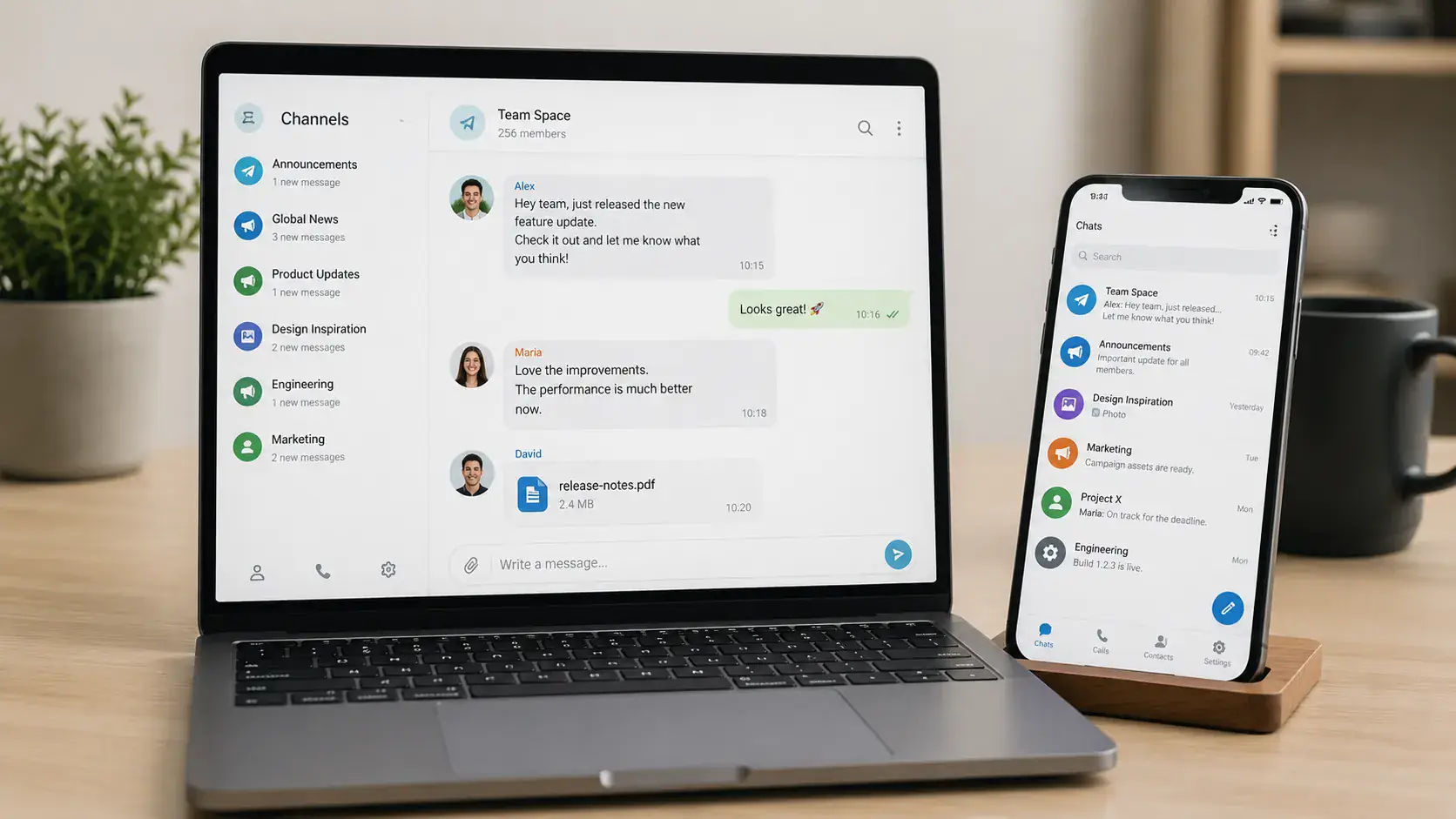
Telegram is a multi-device app by design. You read on your laptop, you reply on your phone, you watch a channel on the big screen. Pivot VPN follows the same logic: one subscription covers Android, iOS, Windows, macOS, Linux and Android TV, and you can be connected on all of them at the same time. There is no separate “TV tier” or extra charge for the desktop app.
In practice this means your phone can be on a server in Germany while your laptop is on a server in the Netherlands and your TV is routed through a third location for a specific channel — all under the same account. The apps are independent, so you can mix and match instead of being forced into a single global setting.
Step-by-step: getting Telegram working through Pivot VPN
The flow is the same on every platform, with small differences in where the buttons live.
- Install Pivot VPN from the store appropriate to your device — Google Play or our APK on Android, the App Store on iOS, the native installer on Windows and macOS, the package for your distribution on Linux, the Android TV build on your TV.
- Sign in once. Your subscription is attached to your account, not to a specific device, so this is all you do per device.
- Pick a server. For Telegram, the rule of thumb is: choose a country where Telegram is not restricted and which is reasonably close to you. Closer servers mean lower latency, which matters for voice and video calls.
- Tap Connect. The first connection takes a few seconds while the tunnel is negotiated; reconnects after that are near-instant.
- Open Telegram. If the app was already open and stuck, fully close it and reopen so it picks up the new network conditions. Channels load, calls connect, media downloads resume.
On laptops and desktops you can leave Pivot VPN running in the background and forget about it; on phones it lives in the notification area and reconnects automatically when you switch between Wi-Fi and mobile data.
Speed, calls and what to expect
A VPN always adds some overhead — your packets are encrypted, routed through an extra hop, then decrypted on the way out. With Pivot VPN on a nearby server, that overhead is small enough that Telegram text chat feels identical to a direct connection, media uploads run at close to your normal line speed, and voice calls are clear.
Video calls are the most sensitive part of Telegram and the best test of a VPN. They need low latency and steady throughput, not just peak speed. Pick a server in the same region as the person you are calling whenever you can; the call quality will track that choice more than any other setting. If a call ever sounds rough, switch to a different server in the same country — our network has multiple exit points per location precisely so you have somewhere to move to.
For downloads of large files and channel media, expect parity with your underlying connection on a good server, and a modest drop on a heavily loaded one. Switching servers is a one-tap action; there is no penalty for doing it often.
Privacy considerations specific to Telegram
A VPN protects the pipe, not the contents of your account. Pivot VPN encrypts the connection between your device and our servers, hides your real IP from Telegram, and prevents the network you are on from profiling your traffic. What it cannot do is change what is stored inside your Telegram account.
That distinction matters. If you want the strongest privacy Telegram offers, combine Pivot VPN with the controls Telegram already gives you: turn on a cloud password (two-step verification), use Secret Chats for end-to-end-encrypted conversations where you need them, set self-destruct timers on sensitive media, review your active sessions regularly and terminate anything you do not recognise, and lock the app with a passcode or biometrics on each device.
Pivot VPN keeps no logs of which sites or services you connect to. The exit IP that Telegram sees belongs to a shared pool used by many users on the same server, which is the property that makes a VPN privacy-protective in the first place.
Where a VPN ends
It is worth being direct about the limits. A VPN cannot recover an account you have been locked out of, cannot remove restrictions Telegram itself has placed on a phone number, and cannot make a banned channel reappear inside Telegram. If your phone number is associated with abuse reports, switching servers will not change that — the identifier travelling with the account is the number, not the IP.
A VPN also cannot replace good account hygiene. If you reuse a weak cloud password, hand your login code to a stranger, or leave an old session active on a device you sold, no network-level tool will protect you. Pivot VPN is the layer that keeps the network honest; the account layer is yours to manage.
Built to stay out of the way
The point of all of this is that you should not have to think about it. You install Pivot VPN once on your phone, laptop and TV, pick a server you trust, and go back to using Telegram the way you always did. The blocks disappear, the public Wi-Fi stops being a problem, the account stays calm. That is the whole product.
Frequently asked questions
Is it legal to use Pivot VPN with Telegram in a country where Telegram is blocked? +
Laws differ by country and change over time, so this is something you should check for your specific location. In most places using a VPN is legal even where individual services are filtered, and the block targets the service rather than the user. Pivot VPN does not collect logs of which apps you open, but you remain responsible for knowing the rules where you live or travel.
Can Telegram detect that I am using a VPN? +
Telegram can see the IP address your connection arrives from, and that IP will belong to a Pivot VPN server rather than a residential ISP. It does not, however, restrict accounts simply for using a VPN — millions of users do, including from countries where Telegram is the default messenger. Stick to a stable exit country for your account and you will look like an ordinary user.
Will my Telegram account get flagged if I keep switching servers? +
Telegram pays attention to sudden jumps in login location, especially across continents in a short time. The safe pattern is to pick an exit country close to where you actually are and stay on it for your main session, then switch servers freely for browsing or streaming on other apps. If you need to log into Telegram from a new device, do it from a server in a familiar country first.
Does Pivot VPN slow down Telegram voice and video calls? +
On a nearby server the overhead is small enough that text chat and voice calls feel the same as a direct connection. Video calls are more sensitive to latency, so the closer the server is to you and to the person you are calling, the better. If a call ever sounds rough, switching to another server in the same country usually fixes it in seconds.
How many devices can use one Pivot VPN subscription for Telegram? +
One subscription covers all your devices — phone, tablet, laptop, desktop and TV — and you can be connected on all of them at the same time. The apps for Android, iOS, Windows, macOS, Linux and Android TV are independent, so you can have different servers on different devices if that suits how you use Telegram.
Can Pivot VPN unblock a Telegram channel that was banned inside Telegram itself? +
No, and it is important to be honest about this. A VPN restores access when the block is on the network between you and Telegram — your ISP, your country, the Wi-Fi you are on. If Telegram has removed a channel from its own platform, no VPN can bring it back, because the content is no longer there to reach.
Get Pivot VPN — free for 7 days
No credit card upfront. Cancel anytime.
Try Pivot VPN